How It Works
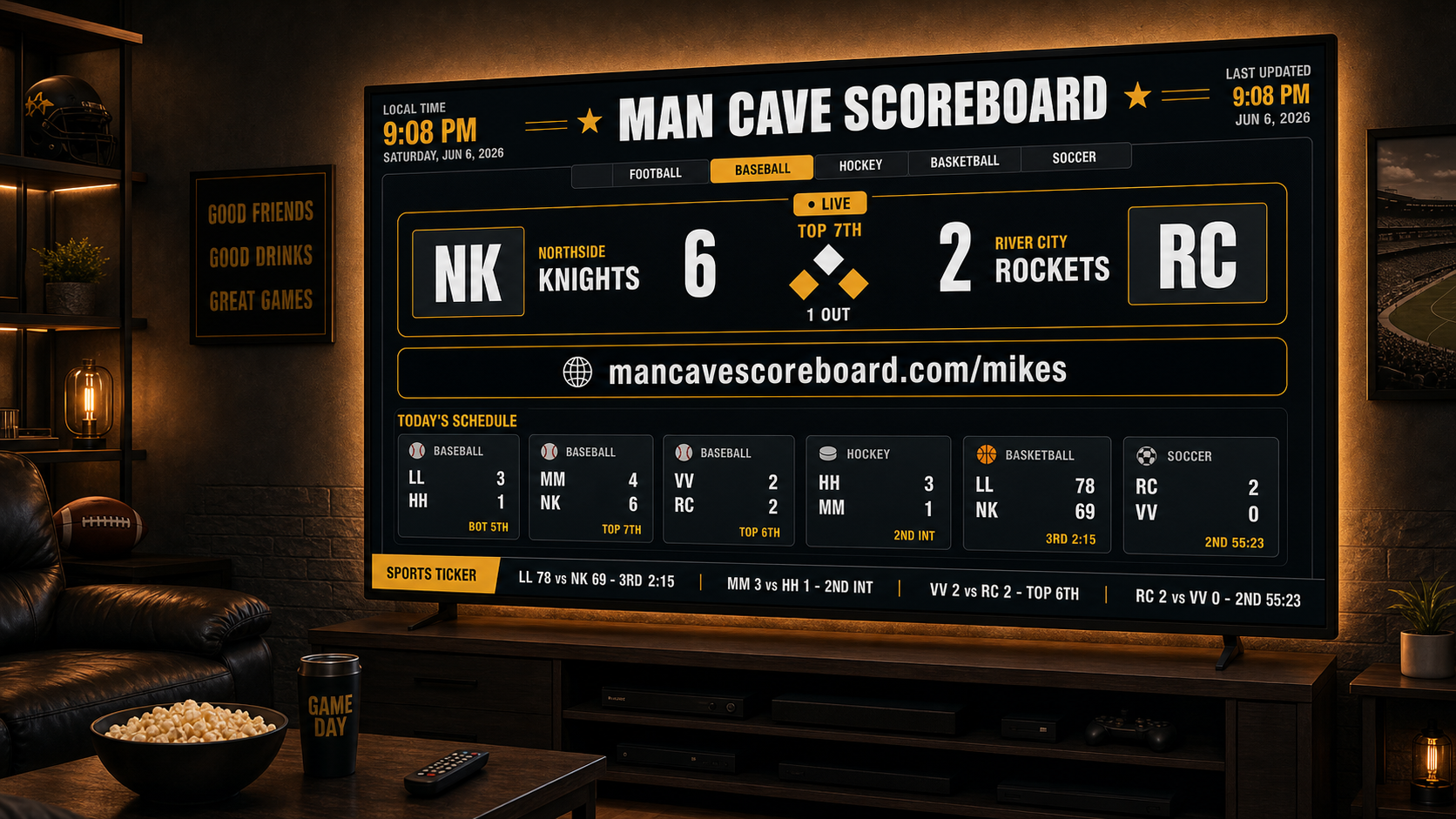
You do not need to install complicated software. We build your custom scoreboard page, give you a private link, and help you display it full-screen on your device.
01
Tell us about your scoreboard
Start by sharing where you want to use it: a man cave, garage, basement, office, youth room, bar, waiting room, or fan room. Then tell us your favorite teams, preferred sports, and what you want the screen to say.
- Mike's Man Cave Scoreboard
- Bill's Game Day Room
- The Johnson Family Sports Wall
- Rick's Fan Cave
02
We build your custom scoreboard page
We create a personalized scoreboard display with your room name, favorite team preferences, clock, ticker, layout, and display settings.
- mancavescoreboard.com/mikes
- mancavescoreboard.com/bills
- mancavescoreboard.com/ricks-fan-cave
03
Open your private link on your screen
Your scoreboard runs full-screen in a browser on a Chromebook, mini PC, all-in-one touchscreen, laptop, or TV-connected computer.
No app store required. No complicated install. Just open your private scoreboard link and display it full-screen.
04
We help with setup
Need help turning an extra Chromebook, monitor, TV, or all-in-one computer into a scoreboard display? Custom setup help is available.
We can walk you through power settings, full-screen mode, startup behavior, remote access options, and low-cost hardware choices.
05
Keep it updated
Your scoreboard can be adjusted over time as your favorite teams, sports seasons, room setup, or display needs change.
Optional monthly support is available for updates, layout changes, and setup help.